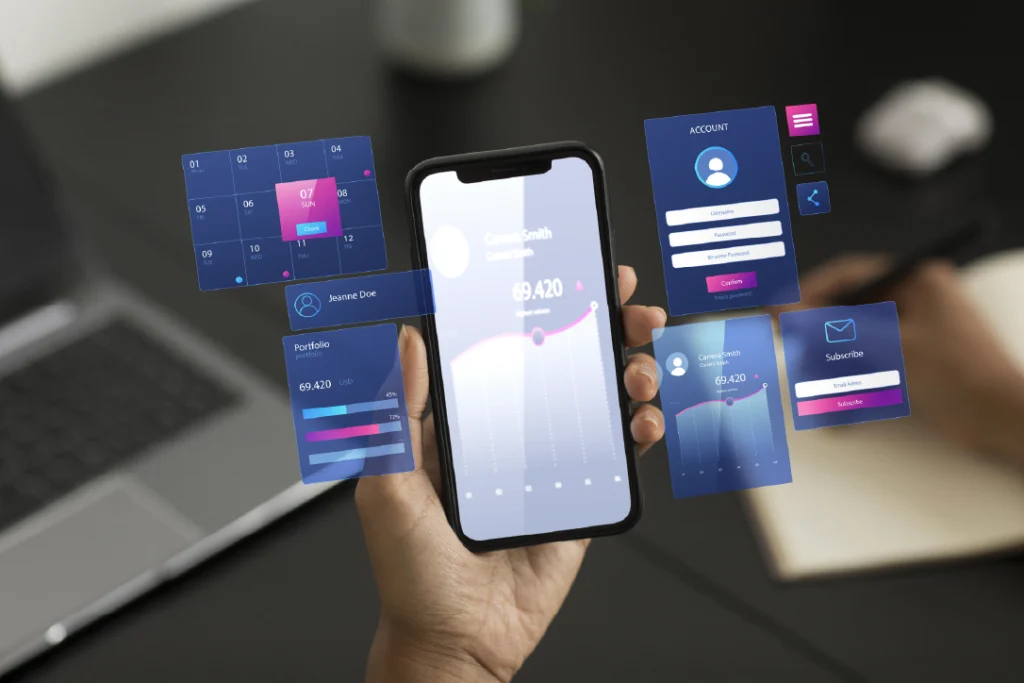
Hi, I'm Luis Alberto Gómez, and in this article I'm going to explain everything you need to know about UX/UI design and why it's essential for your website. Over the years, I've worked on the design and development of websites for various industries, and one of the most important things I've learned is that a website without good UX/UI designwon't work effectively.
But what exactly is UX/UI? Although they’re often mentioned together, they’re different but complementary techniques. Today I’ll explain the differences between the two and why they’re essential for your website, and how they can improve your digital marketing strategy and SEO. We’ll also cover the four basic concepts you need to know to optimize your website.
Table of Contents
UX and UI: Key Differences
You may have heard of UX (User Experience) and UI (User Interface), but you might not be entirely sure what they are or how they differ. Here's a simple explanation:
UX: User Experience
It refers to the user’s overall experiencewhen interacting with your website. The goal of UX is to make navigation smooth, simple, and enjoyable so that users can find what they’re looking for without any hassle. Good UX ensures that your site is user-friendly and efficient.
Usability
Information Architecture
User Research
Usability Testing
UI: User Interface
This term focuses on the visualaspect of the site—that is, how content is presented and how users interact with visual elements. This includes buttons, colors, typography, icons, and everything else users can see and interact with on your page.
Visual appeal
Clarity and conciseness
Consistency
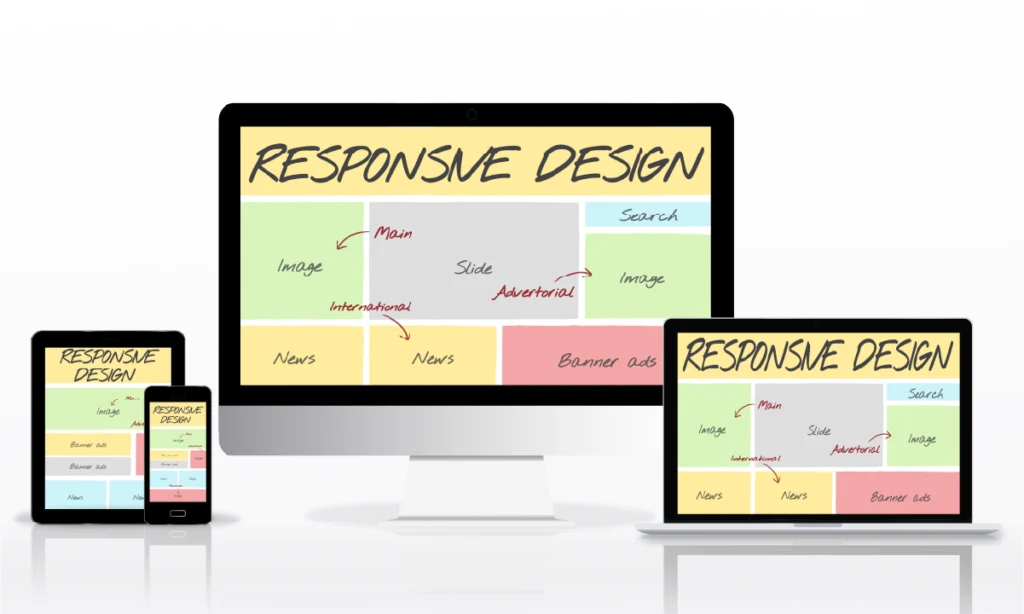
Responsiveness
The 4 Basic Concepts of UX/UI Design
Usability
Usability is one of the most important technical concepts in UX/UI design. A website must be structured in a way that guides users, ensuring they do not get confused while navigating. An example of good usability is the website for WPForms. If you visit it, you’ll notice that the menu and content on the homepage are well organized. Each of the services they offer is clearly detailed, and as you navigate through their pages, you’ll appreciate the fast loading speed, which keeps the site from feeling tedious and makes it more dynamic.
Information Architecture
As I explained earlier, a website must have clear and well-organized content to ensure smooth navigation and an optimized user experience. This will ensure that the page’s structure is precise, helping users find what they’re looking for without getting lost along the way. As a result, your page will be intuitive and dynamic, providing a more satisfying experience.
Visual appeal
The emotional connectionusers establish with your website is key to their experience. While content structure is essential, an appealing visual design also influences how your site is perceived. Colors, buttons, emojis, and—especially—typography convey your brand’s personality, making users feel more comfortable while browsing. In this way, you not only build visitor trust but also increase the chances of turning them into new customers or securing a sale.
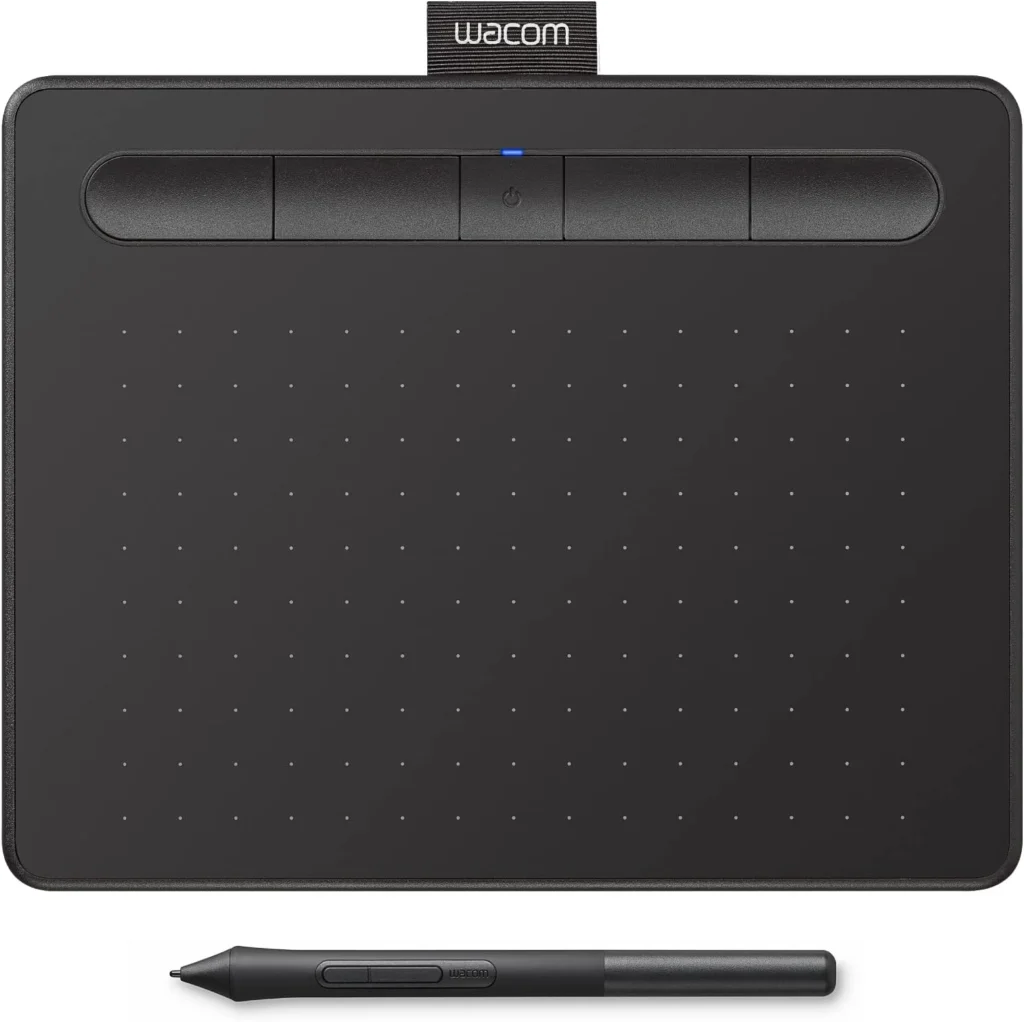
Recommended Product: Wacom Graphics Tablet
An excellent tool for designers who want to sketch and prototype their UX/UI designs. With a Wacom graphics tablet, you can create quick and precise sketches that enhance the visual appeal of your website.
Currently, about 90% of internet searches are conducted on mobile devices, making it essential for a website to have a responsive design that adapts to any device. A UX/UI design project must take into account mobile devices, tablets, and laptops to ensure a seamless and satisfying user experience across all screen sizes.
Benefits of Good UX/UI Design
Increase conversions
When you implement a well-structured UX/UI design, you not only improve your site’s performance but also optimize customer conversion or sales. An optimized design helps your website rank higher in search engines, increasing your brand’s potential for growth and recognition. This effective digital strategy is key to competing in an increasingly saturated market.
Improve SEO
SEO ranking is directly related to UX/UI design. In addition to keywords, Google evaluates technical aspects such as load speed, site performance, and usability. Good UX/UI design improves these metrics, creating a synergy that leads to better search engine rankings and thereby enhancing SEO optimization.
Differentiation from the Competition
By incorporating effective UX/UI design techniques into your website, you can gain a competitive edge over other companies. This can be key to the growth of your business, since good design not only improves the user experience but also helps strengthen your brand, making your website more appealing and functional for users.
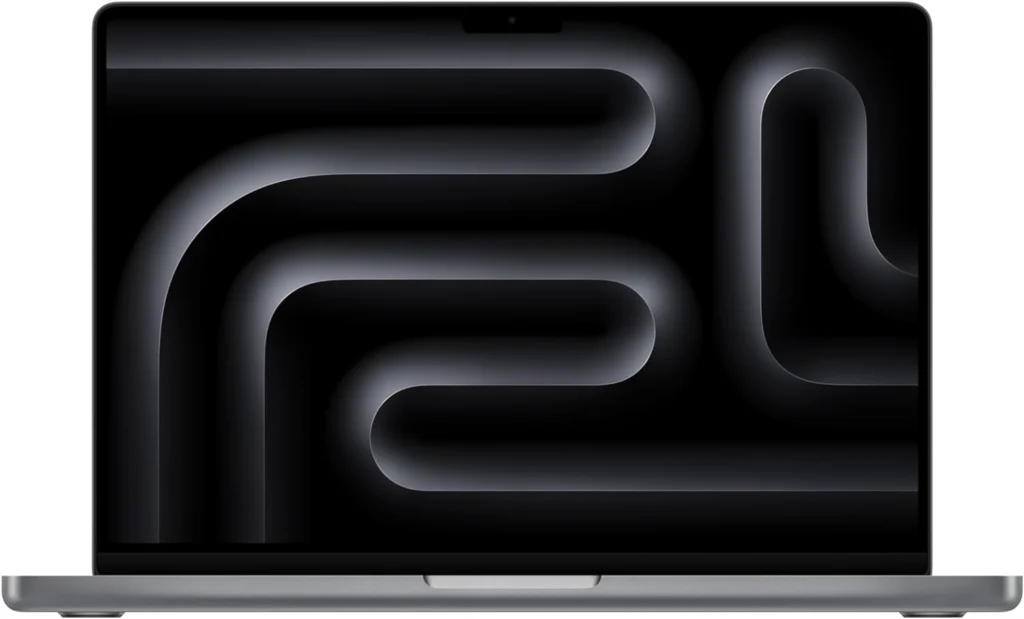
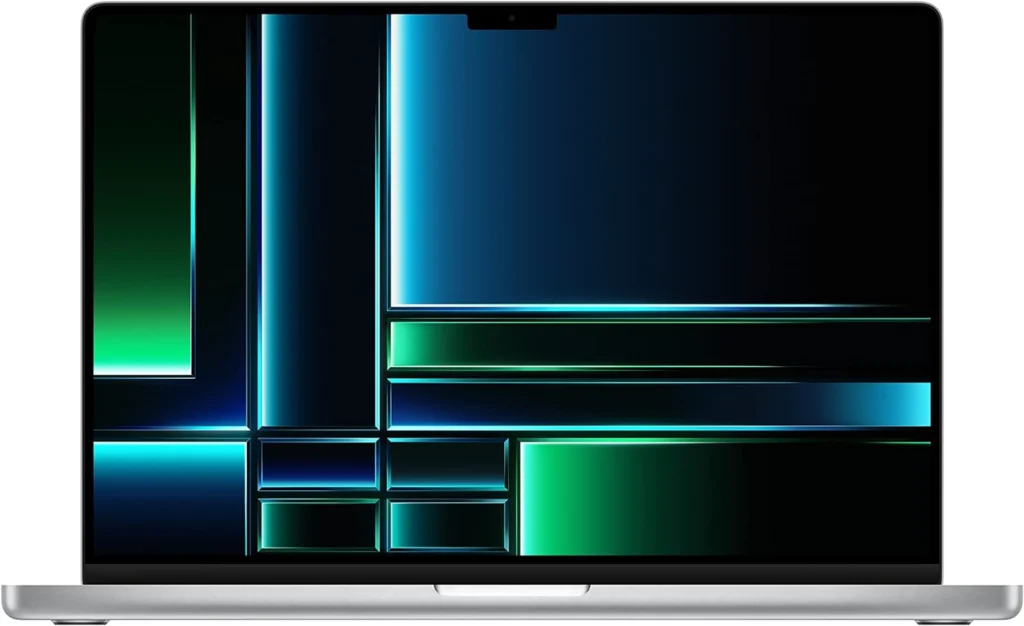
MacBook Pro
For designers and developers working in UX/UI, the MacBook Pro is a powerful and versatile tool. With its superior performance and Retina display, it's ideal for tasks that require precision and visual quality.
In short, both UX design and UI designare essential to the success of your website. A website optimized for user experience not only keeps visitors coming back but also turns them into loyal customers.